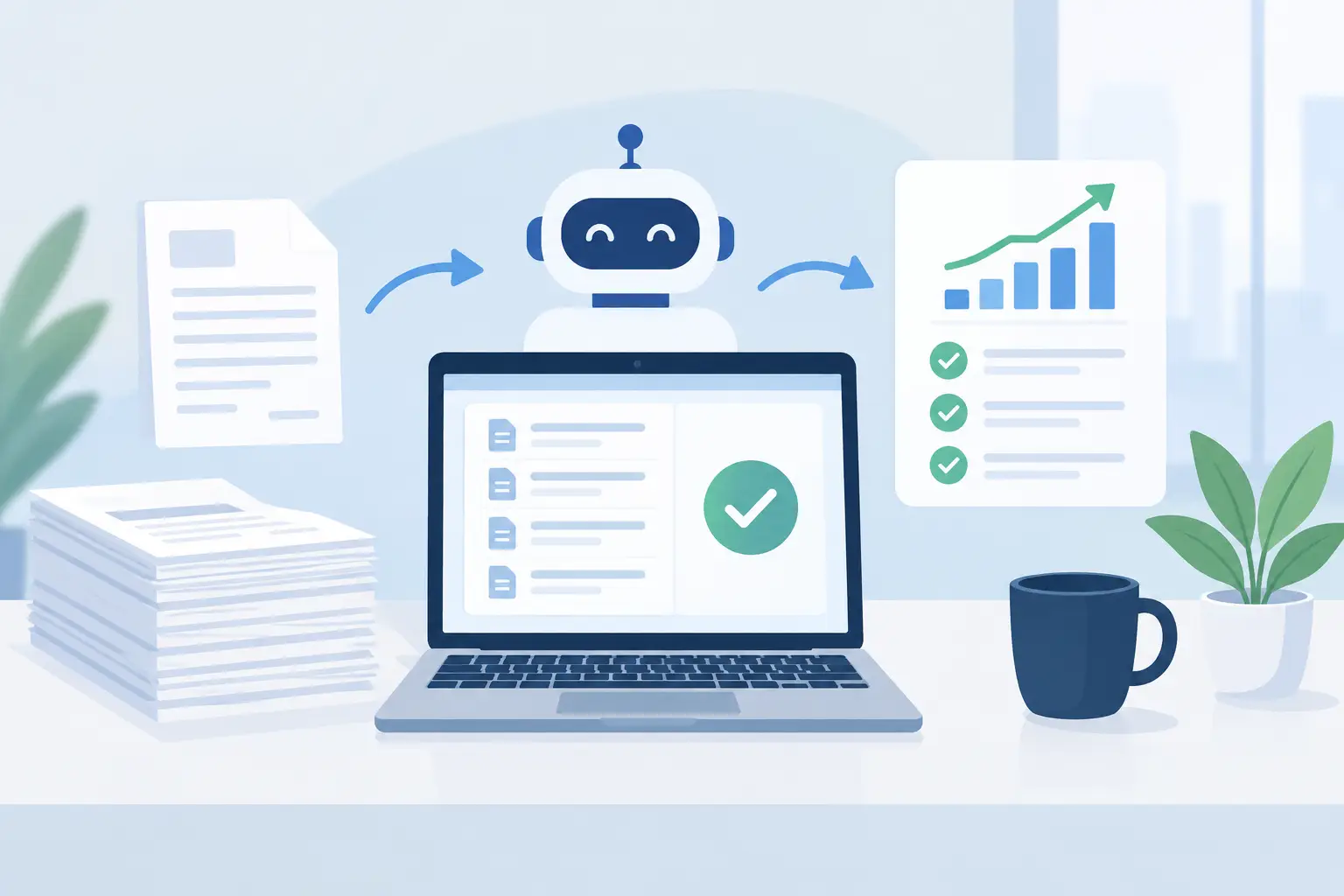
A finance team can process thousands of invoices each month and still lack a reliable answer to a basic question: where is each invoice, who owns the next action, and what is blocking payment? This accounts payable automation case study examines how a high-volume enterprise AP function addressed that problem by redesigning its process and data foundation before automating the work.
The organization had already invested in an ERP platform, document capture software, and workflow tools. Yet AP remained labor-intensive. Invoices arrived through several channels, supplier records were inconsistent, exception queues grew without clear ownership, and month-end visibility depended on spreadsheets. The issue was not a lack of technology. It was a process that had accumulated exceptions, local workarounds, and data quality issues over time.
The Starting Point: High Volume, Low Control
The company operated across multiple business units with decentralized purchasing practices and a shared services finance team. Its AP department handled approximately 25,000 invoices per month from a broad supplier base. A meaningful share of invoices required manual review because purchase order references were missing, goods receipts were delayed, or supplier master data did not match the invoice.
AP specialists spent much of their day opening documents, validating basic fields, routing invoices, answering status requests, and following up with approvers. The team was experienced, but its capacity was tied to transactional work rather than exception resolution and supplier management.
Management initially framed the challenge as an invoice capture problem. A closer assessment showed that capture accuracy was only one factor. The larger constraints were unclear approval rules, inconsistent coding practices, duplicated supplier records, and no common definition of an exception. Automating the existing workflow would have accelerated poor decisions and created more difficult-to-manage failures.
Accounts Payable Automation Case Study: The Diagnosis
The transformation began with a structured process and data assessment. The project team mapped the invoice journey from receipt to posting, approval, payment preparation, and archive. Rather than documenting the intended process alone, it measured how work actually moved through the organization.
Three findings shaped the solution design. First, invoice channels were fragmented. Suppliers used email, portals, local mailboxes, and occasional paper invoices, making it difficult to establish one controlled intake point. Second, purchase order discipline varied by business unit. Invoices without valid PO references created manual coding and approval work that could not be resolved by OCR alone. Third, the AP team lacked actionable operational measures. Leaders could see invoice volumes, but not the reasons for delay, aging by exception type, or the percentage of invoices processed without human touch.
This diagnosis changed the program’s objective. The goal was not simply to install an AP automation tool. It was to create an operating model in which clean invoice data, defined routing rules, supplier master governance, and exception ownership supported scalable automation.
Redesign Before Automation
The redesigned process established a single digital intake layer for all invoices. Documents were classified and captured consistently, while channel-specific rules ensured that invoices entered the workflow with a traceable source and timestamp. Supplier communications were standardized so that vendors understood where and how to submit invoices.
The team also separated invoices into distinct processing paths. PO-based invoices with valid supplier and order data could move through automated matching rules. Non-PO invoices followed a controlled approval path with mandatory coding fields and designated cost center owners. Invoices with missing or conflicting data entered a structured exception queue rather than being passed through email.
That distinction mattered. Straight-through processing should be reserved for transactions that meet defined confidence, matching, and policy thresholds. Trying to automate every invoice in the same way can weaken control and create expensive rework. For this organization, a smaller number of well-designed exception routes was more valuable than an aggressive automation target with no governance behind it.
Supplier master data was treated as a core workstream, not a technical afterthought. Duplicate records were identified, required fields were standardized, and ownership for ongoing data maintenance was clarified. Purchase order and goods receipt data were also reviewed to improve the match rate upstream. This reduced AP effort while strengthening procurement discipline.
The Automation Design
Once the process rules and data standards were defined, automation was deployed in stages. Intelligent document processing extracted invoice header and line-item data, validated it against supplier master records, and routed documents based on invoice type, entity, amount, and approval policy.
For PO invoices, the workflow applied two-way or three-way matching according to category and risk rules. Tolerances were explicitly governed. An invoice that fell within a defined quantity or price tolerance could proceed automatically; an invoice outside that range was routed to the accountable buyer, requester, or receiving team with a clear reason code.
For non-PO invoices, the solution used guided coding, approval matrices, and historical transaction patterns to reduce manual entry. Automation suggested values where confidence was sufficient, but users remained responsible for approval decisions and low-confidence cases. This balance was deliberate. AI-assisted classification can improve speed, but it should not bypass financial controls or obscure why a recommendation was made.
The program also connected workflow data to operational dashboards. Finance leaders could monitor incoming volume, touchless processing rate, approval cycle time, exception aging, early-payment discount capture, and workload by team. The dashboard was designed for action, not presentation. Each metric was linked to a process owner and an intervention path.
Measurable Operational Results
Within the first full operating period after rollout, the organization reduced average manual touch time per invoice by more than 40%. The percentage of invoices processed through a standardized digital workflow increased from roughly 60% to above 90%, including both automated and guided processing paths.
The most meaningful improvement was not a single automation percentage. It was the reduction in avoidable exceptions. Better supplier data, standardized submission requirements, and clearer PO rules reduced the share of invoices requiring ad hoc investigation. AP specialists could focus on genuine mismatches, supplier issues, and high-value exceptions instead of searching for basic information.
Approval cycle times also became more predictable. Escalation rules identified stalled approvals early, while approvers received requests with the relevant document, coding context, and exception reason in one place. This improved payment planning and reduced the risk of late fees caused by internal delay.
The organization did not eliminate manual work, nor should that have been the measure of success. Complex invoices, disputed goods receipts, and policy-sensitive spend still required expert review. The difference was that manual effort became targeted, visible, and easier to manage.
What Made the Program Scalable
Several design choices prevented the implementation from becoming another isolated finance tool. Process ownership was defined across AP, procurement, receiving, and business approvers. The team agreed on shared definitions for invoice status, exception categories, and performance measures. Without that alignment, dashboards would have reported conflicting versions of the same operation.
The architecture was also built to integrate with the ERP environment and accommodate future business units without rebuilding the workflow. This is essential for enterprises with acquisitions, regional variations, or multiple legal entities. Standardization does not mean forcing every unit into identical rules. It means defining a common control framework and making approved variations explicit.
Governance continued after go-live. A regular performance review examined the largest exception categories, suppliers with recurring submission issues, approval bottlenecks, and automation confidence levels. This created a continuous improvement cycle rather than treating deployment as the finish line.
Lessons for Finance and Transformation Leaders
An AP automation initiative delivers stronger returns when leaders treat it as an operating model change. Technology can capture documents, apply matching logic, and move work between teams. It cannot resolve weak purchasing discipline, unclear ownership, or unreliable master data by itself.
The right design depends on the business. A centralized shared services model may prioritize high touchless processing and standardized controls. A decentralized engineering or healthcare organization may need more flexible approval paths and carefully governed exceptions. In both cases, the starting point should be the same: understand the real process, establish data accountability, and automate the decisions that are stable enough to scale.
For enterprises planning their next AP transformation, the practical question is not how quickly invoices can be scanned. It is whether the finance operation can see, control, and improve every step that follows. That is where automation becomes a durable performance capability rather than a faster version of the same manual problem.